01
Effortless Photo Management
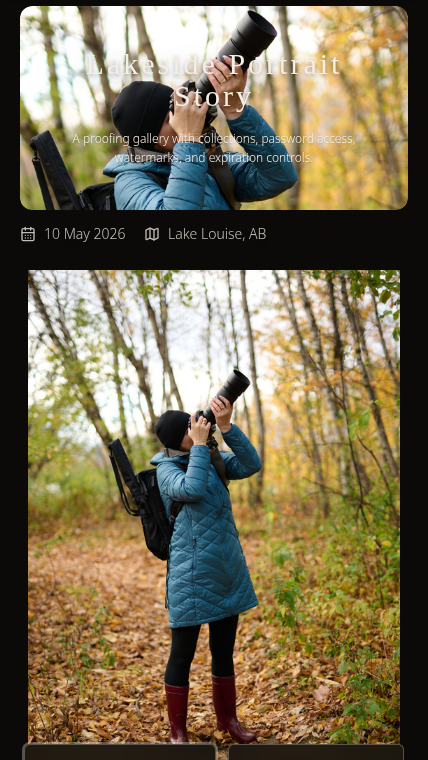
Reorder photos with drag-and-drop, filter by name, search across the gallery, and remove unwanted shots before clients see the final delivery.
Gallery delivery
Stop fighting email attachments, expired transfer links, and confusing cloud folders. Deliver photos in a polished gallery clients can open, browse, and download without creating an account.
01
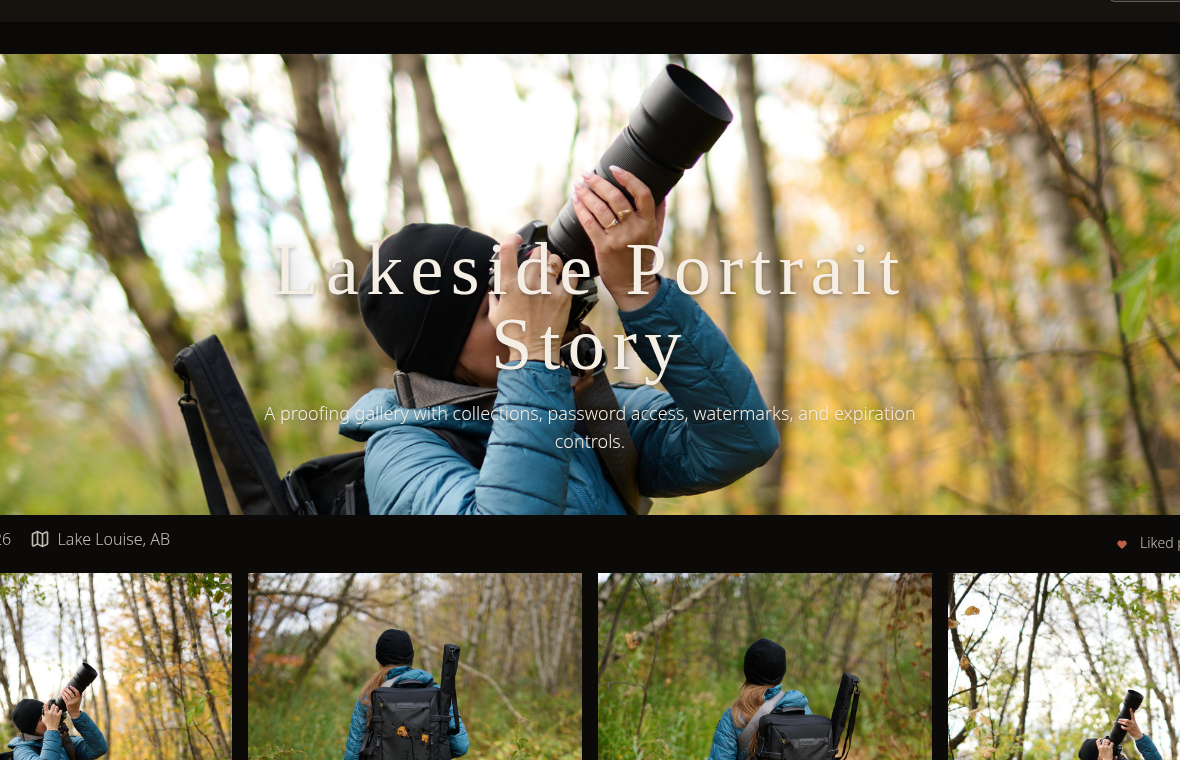
Reorder photos with drag-and-drop, filter by name, search across the gallery, and remove unwanted shots before clients see the final delivery.
02
Create a gallery, add protection when needed, and share one client-ready link instead of a temporary transfer or folder dump.
03
Clients open a fast gallery on desktop or mobile, browse collections, and download through the controls you allow.
The delivery wall
A finished shoot quickly becomes too large for attachments. Splitting files across messages feels unprofessional and creates confusion.
Temporary transfer links can work for one-off files, but they are weak for galleries clients need to revisit or share with family.
Folder tools can require account prompts, nested navigation, and extra explanation that distract from the photos.
A polished shoot should not end with a generic file-sharing workaround. The delivery should feel as intentional as the editing.
These are workflow comparisons against common delivery fallbacks. Use the linked comparison pages to review dated context before choosing a replacement tool.
Compare cloud folders with a client-facing gallery workflow.
See when storage folders create delivery overhead.
Compare temporary file transfer with persistent gallery delivery.
Bad delivery is not only inconvenient. When clients struggle to access or share their photos, they are less likely to show them around cleanly, which means fewer referral conversations tied to the work.
Delivery controls
Upload edited images, organize them into collections, and share a single link. The workflow stays simple for the photographer and obvious for the client.
Create a gallery, upload the finished set, and prepare sharing without a complicated setup process.
Collections preserve the structure of the shoot so clients can browse by scene, folder, or moment.
The gallery presentation keeps attention on the photography instead of a generic storage interface.
Wedding workflow example
A wedding or event gallery can be organized into ceremony, reception, portraits, and details, then shared as one protected link that family can open without learning a storage tool.
01
02
03
04
A photographer can shoot a wedding, export the edited set, upload the finals into ceremony, reception, and portrait collections, add a simple password, and send one gallery link to the couple. The same link can then be shared with family without separate folders, expired transfers, or repeated instructions.
The gallery structure carries the event organization.
Clients open one protected gallery instead of a folder tree.
Family members can browse and download through the same delivery surface.
Technical details
Galleries prioritize useful previews so clients can begin browsing without waiting on the full delivery set at once.
One gallery can contain multiple collections, custom ordering, image counts, and collection-aware browsing.
Clients can download individual images, selected collections, or the full gallery depending on the controls you allow.
Gallery assets are delivered through production media infrastructure so clients are not asked to wrestle with giant folders or manual file batches.
Related controls
Learn the delivery workflow
Complete workflow from editing to final gallery delivery.
Best delivery methods and what to avoid.
Compare tools, pricing, and use cases.
See where included hosting works and where galleries reduce support.
Use SendPhoto for the delivery work after editing: presentation, protection, downloads, client browsing, and follow-up.
Privacy choices
Analytics stay off until you choose.
Necessary cookies keep the site working and remember privacy choices. Optional analytics help us understand what brings photographers to SendPhoto.
Privacy choices
Necessary cookies keep this site working and remember privacy choices. Analytics are optional and help us measure what visitors use.
Required for privacy choices, basic site behavior, and security.